I have recently been forced to use a Mac as part of my new job.
What a ride! It is comforting to see Linux's commands work in the Mac terminal. This is of course because iOS is basd opn Linux thogh moist have no clue.
As my IT experience is in Windows, DOS, Linux and Android, I am having to learn new tricks.
I will document the tricks here to help others and also myself when I need to do the same thinbg again in the future.
I have discovered that to install a program you typically download a .DMG file and double-click that.
This will then expose a .PKG file to double-click and install the program.
Sometimes you may download a .PKG file directly and run that.
iOS will then verify the .PKG for any corruption. This can get stuck though, meaning the progress bar stops progressing and you can't install.
It is possible to bypass this verification process to install the program. I had to do this with GlobalProtect which is my employer's VPN.
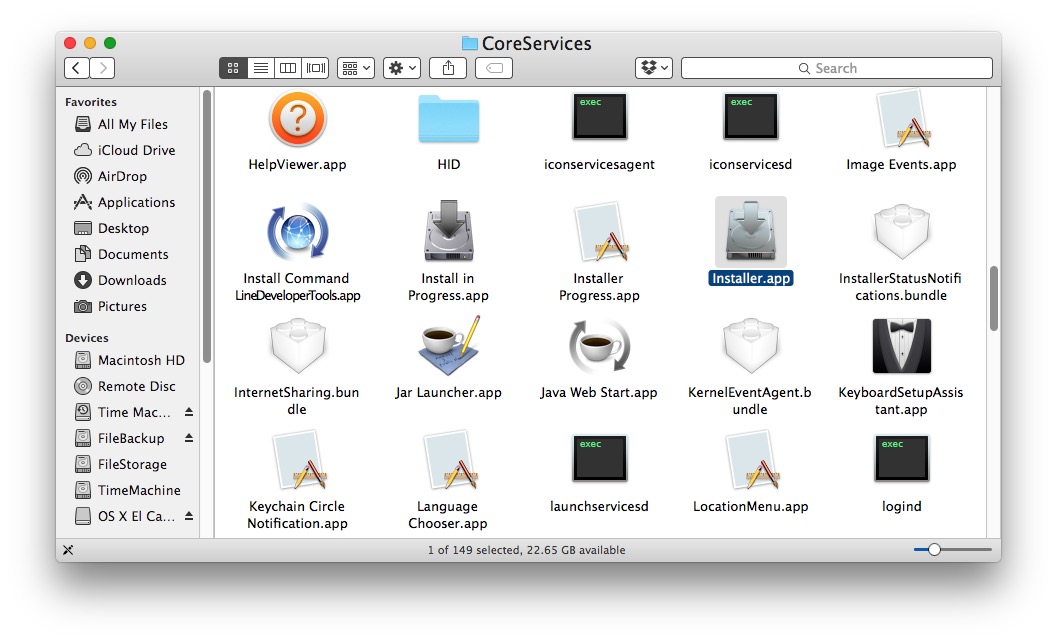
- From the Finder in Mac OS X, hit Command + Shift + G and enter the following path:
- Locate the app named “Installer.app” from this directory and launch it directly
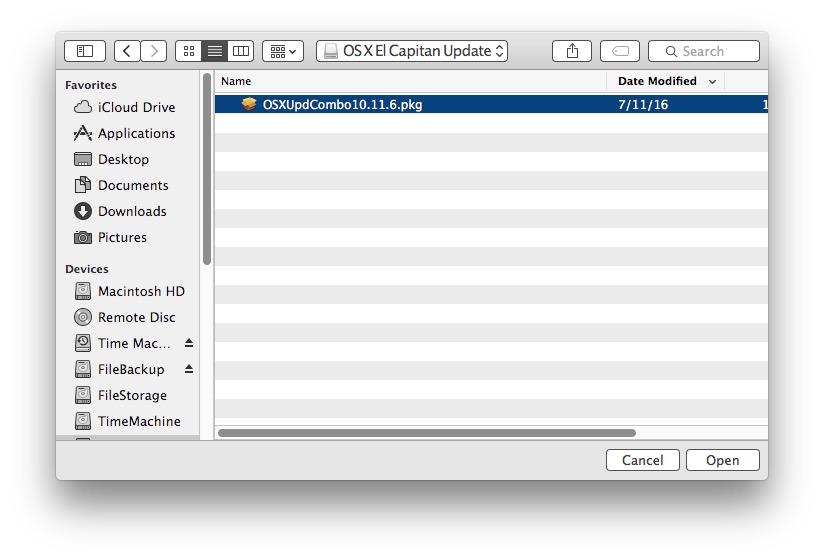
- Navigate to the .pkg file that is stuck on verifying and select to open it
- Run through the package installer or update as usual
/System/Library/CoreServices/
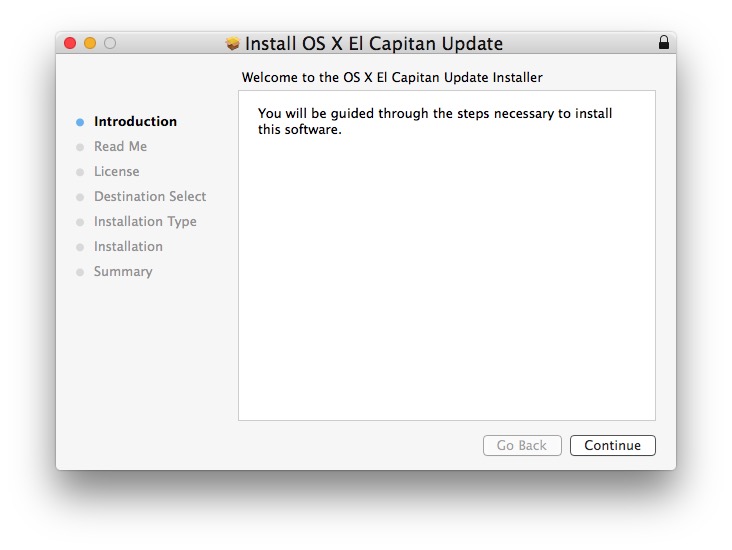
The package installer should now work.
